Flexible input mapping for mobile games
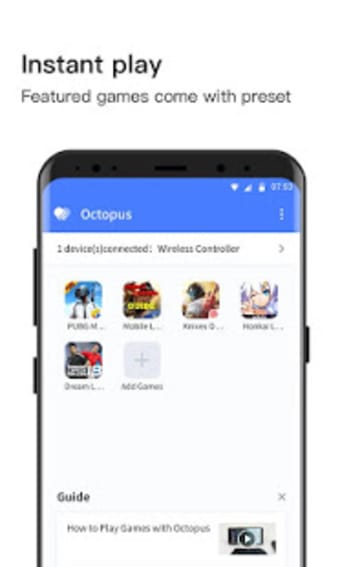
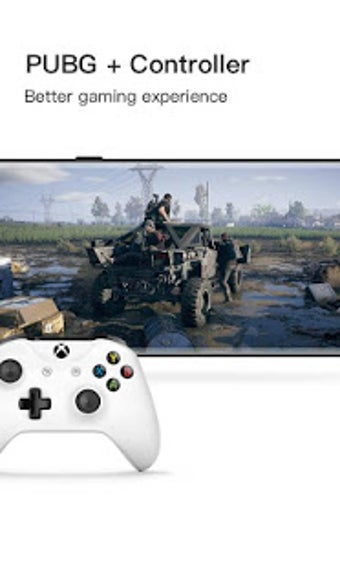
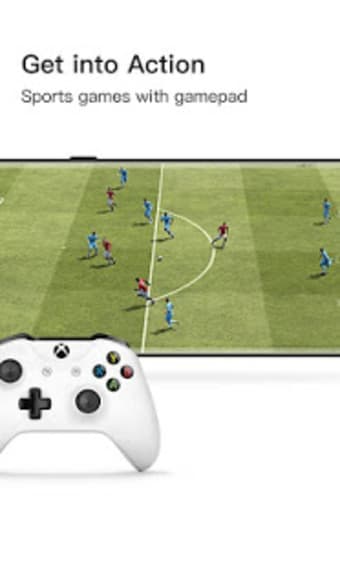
Octopus – Gamepad Mouse Keyboard Keymapper functions as a utility and tools solution that expands how players interact with mobile games. Its keymapping approach favors users who prefer physical controls over touch input, focusing on accessibility, customization, and alternative control methods for compatible titles.
Top Recommended Alternative
From a practical perspective, Octopus – Gamepad Mouse Keyboard Keymapper experience feels more adaptable with mapped inputs, particularly for players used to controllers or keyboards. While gameplay remains unchanged, control responsiveness feels more deliberate. As a leisure and personalization utility, it suits users wanting flexible setups without altering game content.
Expanding control options thoughtfully
The main strength of Octopus – Gamepad Mouse Keyboard Keymapper lies in mapping gamepad, mouse, and keyboard inputs onto touch controls with notable flexibility. It supports custom layouts that let players assign actions around comfort and play style. This adaptability improves accessibility for different control preferences, although initial setup can feel technical, especially for users unfamiliar with advanced input mapping concepts during early configuration stages for new users.
Usability strikes a balance between power and complexity through visual overlays, drag-and-drop mapping, and profile management tools that streamline configuration after a short learning period. Some menus appear dense, and precise setup requires patience and attention. While experienced users may value the depth, newcomers could find the learning curve steeper than with simpler controller support during regular use across different supported game scenarios and varied input mapping needs.
In active use, the tool generally provides stable input translation with low latency once configurations are correctly applied. Performance varies depending on device capability and individual game compatibility, so outcomes are not always uniform. Some titles integrate smoothly, while others require additional tweaking. Overall, it functions best as a control enhancement rather than a universal solution for every game across varied genres, play styles, and hardware conditions.
Compatibility and performance considerations
In active use, the tool generally delivers stable input translation with low latency once configurations are correctly applied and profiles are properly tuned. However, performance can vary depending on device hardware, Android version, and individual game compatibility. Some titles integrate seamlessly with minimal effort, while others require additional tweaking, remapping, or sensitivity adjustments. As a result, the experience may feel inconsistent across different genres, control schemes, and hardware configurations.
Permissions and system requirements
To function correctly, Octopus – Gamepad Mouse Keyboard Keymapper requires several system-level permissions, including overlay access and, in some cases, USB debugging or advanced authorization. While these requirements may raise concerns for cautious users, they are essential for accurate input simulation and control remapping. Carefully following the setup instructions helps prevent conflicts, detection issues, or incomplete mappings, ensuring smoother performance during extended gameplay sessions.
A capable tool for control customization
Overall, Octopus – Gamepad Mouse Keyboard Keymapper functions as a versatile utility for players seeking broader control options in compatible games. It focuses on customization, input flexibility, and accessibility, while requiring some patience during setup. Though it is not universally seamless across all titles or devices, it remains a practical recommendation for users comfortable adjusting layouts and looking for alternatives to traditional touch-only control methods for improved gameplay.